Verification help
The first step is to visit our secure online verification system. You will be asked to take a photo of your ID, and then take a quick selfie. This will only take a couple of minutes:
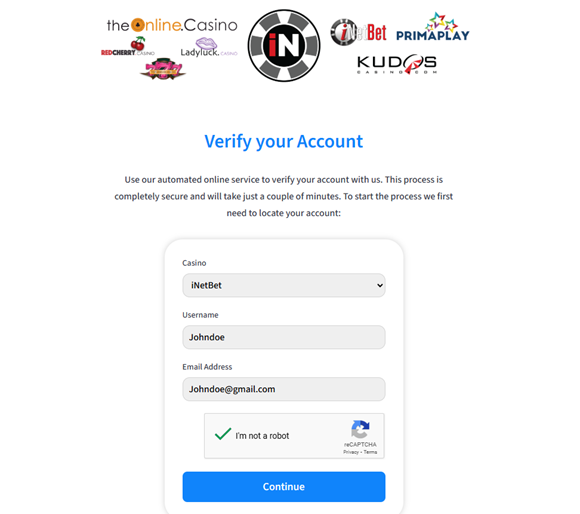
Enter your account details into the fields as shown below, they must match your casino account exactly.
On to the next step: start the process and select your Document type, you can use any ID that falls under the categories below as long as it is a valid ID.

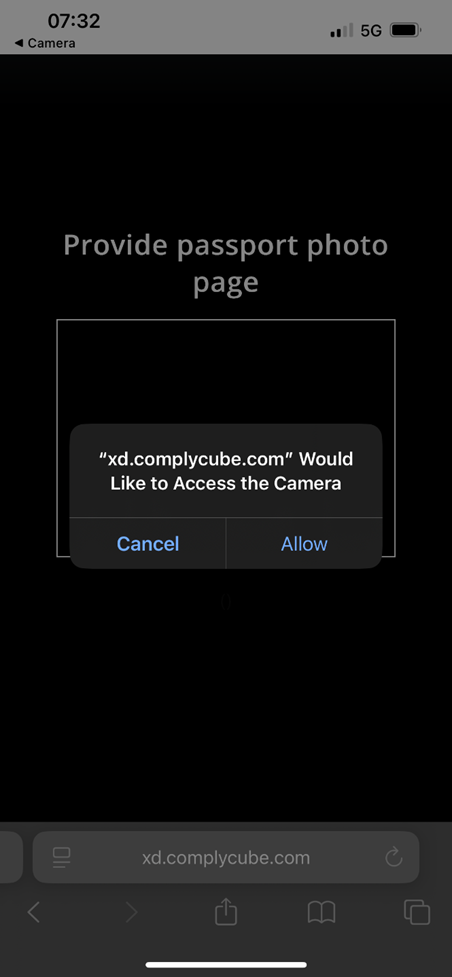
Once you have chosen, your device should bring up a pop up to ask you to grant Camera access for this site, click “Allow” or “always ask”
We have a few helpful guides attached below for enabling camera access on your device if you don’t receive the pop up.
If you run into any trouble on this step, please feel free to pop up on Live Chat to get some assistance!
Once you have uploaded your document, you will be prompted to take a selfie.
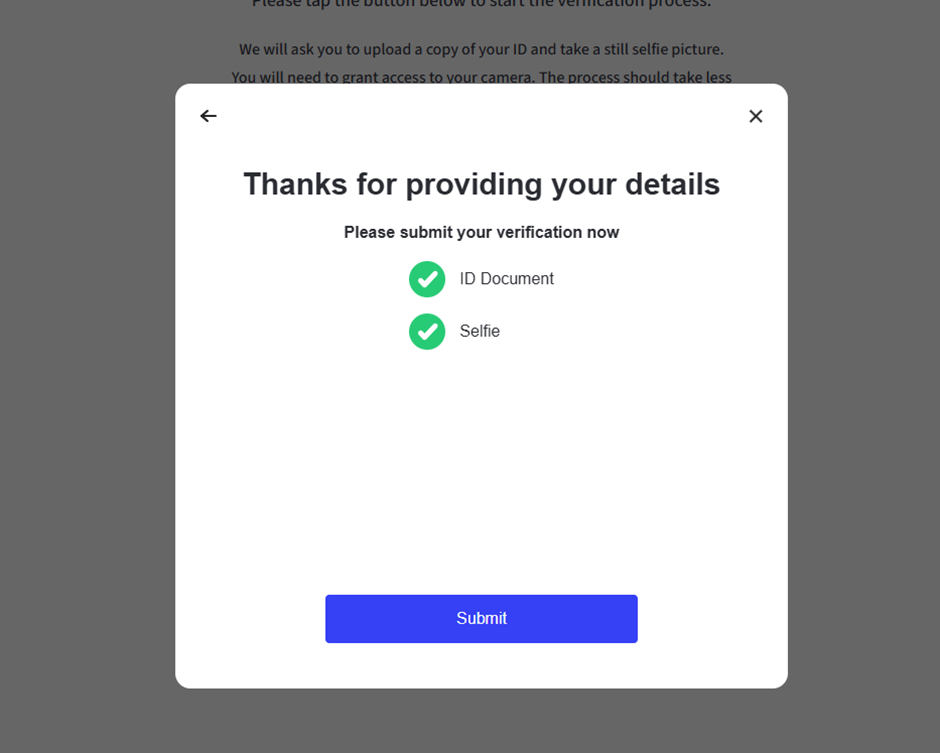
Now that you have taken your selfie, you will see this confirmation screen to let you know both uploads were successful, click the submit button.
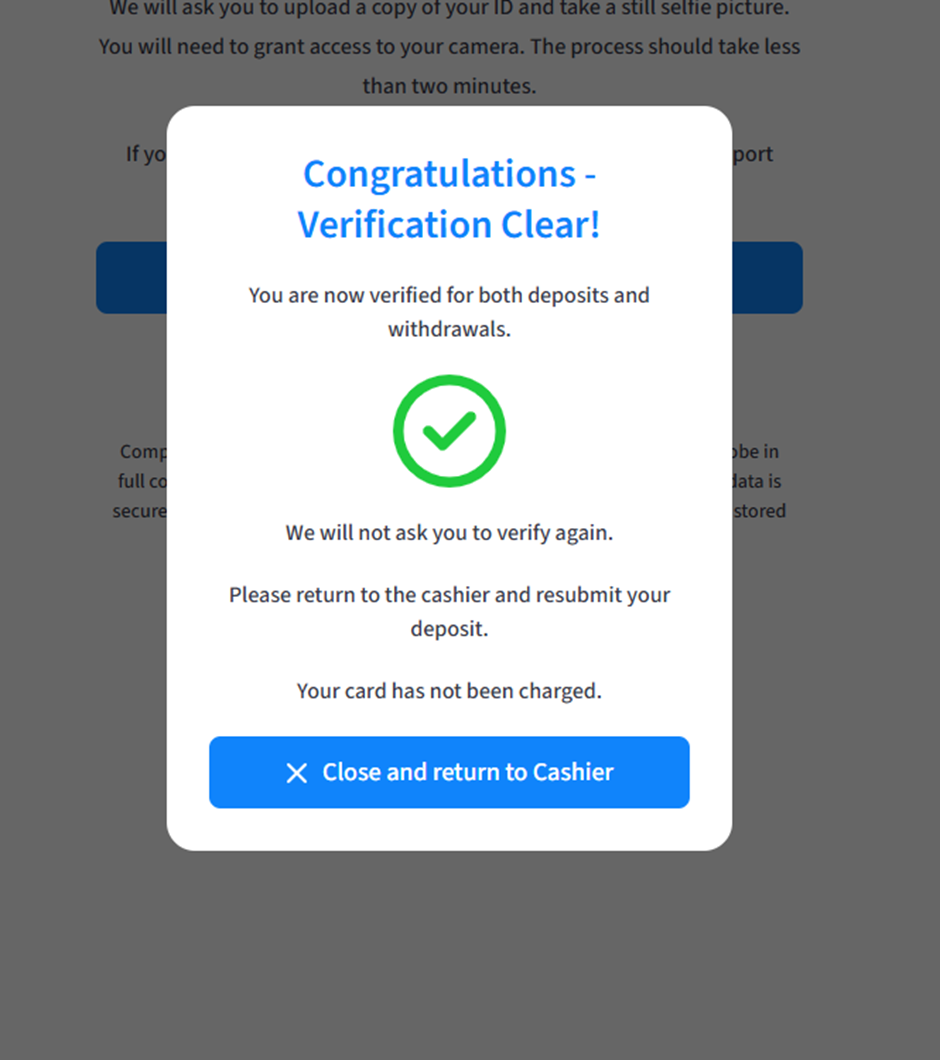
A few seconds later and you will have completed this process, so now, you can close this tab and return to the Casinos’ cashier to re-attempt your deposit and this should go through for you, but remember, if you need any help, we are available to you 24/7 via Live chat and email.